




What can image processing detect on a PCB?
PCB defect detection using image processing compares visible board features with an expected pattern and flags suspicious differences. A useful bare-board workflow controls the image capture, aligns the test image with a verified reference, separates copper from background, and sends candidate defects for review. Its hardest requirement is not drawing a box around a difference: it is proving that important defects are not missed.
This guide concerns exposed, visible patterns on unassembled boards. A camera cannot establish the condition of hidden inner layers or prove electrical continuity through a plated hole. Surface inspection and electrical testing answer different questions.
| Visible condition | Possible image evidence | What still needs confirmation |
|---|---|---|
| Broken surface trace | Missing copper interrupts an expected path | Whether the interruption is real rather than glare; electrical continuity where required |
| Copper bridge | Extra copper appears between features intended to be separate | Design intent, physical bridge and electrical isolation |
| Edge notch or protrusion | A local boundary differs from the reference | Remaining conductor geometry against the agreed acceptance criteria |
| Spot within a conductor | A local region has unexpected contrast | Whether it is missing copper, contamination or an optical artifact |
| Internal connection or hole-wall defect | May have no visible surface evidence | A suitable additional inspection or electrical test |
Do not set a universal pixel-size pass limit. The product drawing, inspection stage, defect risk and agreed acceptance requirements determine what must be resolved. A small bridge can matter more than a much larger harmless discoloration.
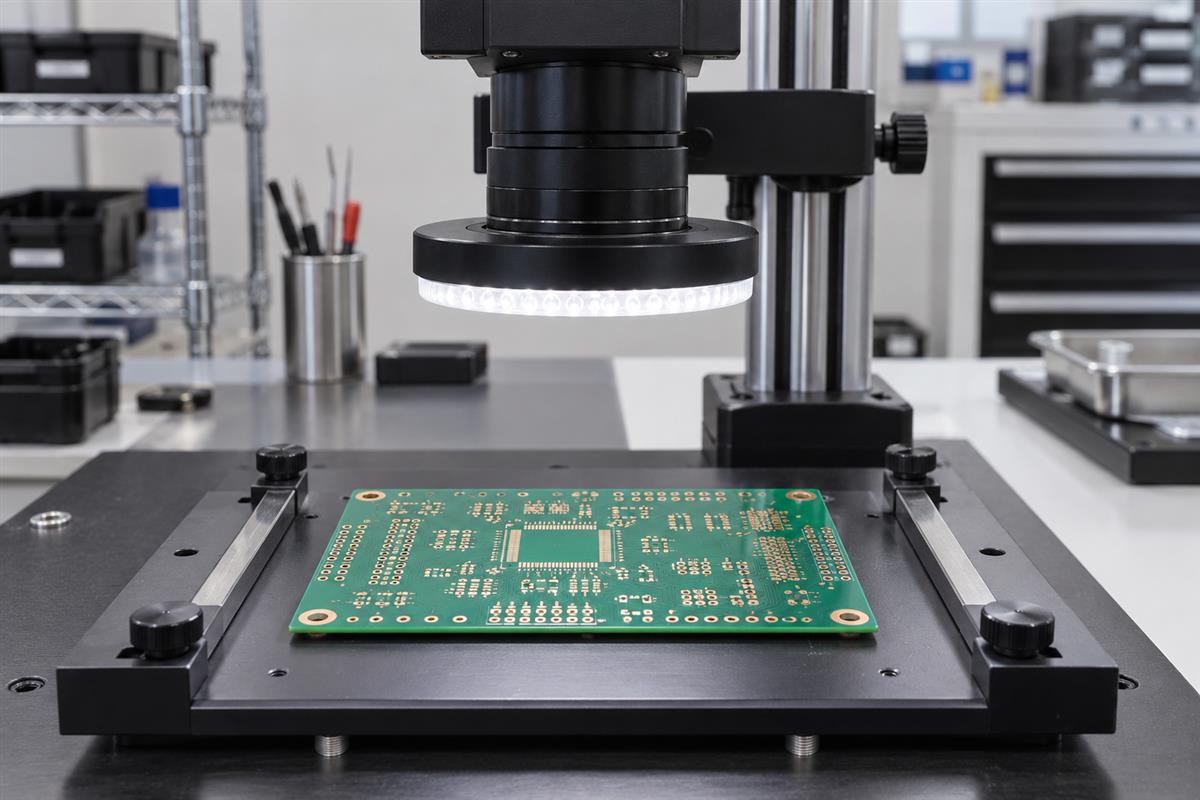
Capture and align images before comparing boards
Make a good board look repeatably the same before teaching software what a bad board looks like. If the image changes each time the board is loaded, a difference detector will spend its time finding the inspection setup.
Fix the camera, lens, board height, focus, exposure and illumination. Use a fixture to control orientation without covering inspected features. Select lighting for the actual finish: reflective copper and solder mask can produce very different contrast. Check the center and corners, not just the easiest region. Save the original images so an engineer can distinguish an acquisition failure from an algorithm failure later.
Estimate sampling before choosing the field of view. In an illustrative setup, a 100 mm field spread across 2,000 pixels gives 0.05 mm per pixel. A 0.10 mm feature spans only two pixels. That arithmetic does not prove reliable detection: focus, contrast, lens blur and subpixel placement still matter. Test physical samples at the smallest required defect size and at different field positions; increase magnification or use multiple views when the features cannot be separated reliably.
Alignment, also called registration, places corresponding features at matching coordinates. Use suitable fiducials or stable board geometry, then inspect residual mismatch at several positions. A board translated by one pixel can create bright outlines around every conductor in a subtraction image. Do not remove those outlines by simply raising the detection threshold: that may also suppress real defects.
Define an alignment rejection rule using measured good-board variation. If the image is out of focus, clipped by glare or poorly aligned, return inspection invalid, not board good. A perspective correction can help with a planar board, but cannot make an out-of-focus or warped surface fully observable.
Build a reference-based inspection pipeline
Start with a traceable reference comparison when the board design and image setup are stable. Keep each transformation visible during development so a false alarm can be traced to capture, alignment, segmentation or decision logic.
Step 1: Approve the reference and inspection region
Confirm the reference belongs to the same design revision, side and manufacturing stage as the test board. A photograph of a known-good board can preserve optical appearance, but it also preserves any overlooked defect. A design-derived reference reflects intended geometry but must account for the relationship between design data and the observed manufactured surface. Record how the reference was approved. Review design ambiguities through a PCB design review before treating them as defects.
Step 2: Separate the features of interest
Create a mask in which the feature of interest, such as copper, is consistently represented. OpenCV’s thresholding documentation explains fixed and adaptive approaches. Local thresholds can accommodate some illumination variation, but they can also change weak edges. Inspect the mask alongside the original image before accepting it.
Step 3: Compare aligned masks
For binary copper masks, pixels present in the reference but absent in the test image are missing-feature candidates. Pixels present in the test but absent in the reference are extra-feature candidates. Keep these two classes separate. Combine neighboring candidate pixels into regions and retain their locations, areas and relevant shape measurements. These are candidate regions, not automatic defect verdicts.
Step 4: Filter artifacts without erasing the target
Morphological operations change binary shapes using a kernel. Opening can remove small foreground regions; closing can fill small gaps. That makes them useful and dangerous: a cleanup operation may remove exactly the narrow break or bridge being sought. Compare outputs before and after filtering on the smallest required defects. Express filter size in relation to calibrated image scale, not a copied setting from another camera.
Step 5: Review, classify and retain evidence
Show the original crop, reference crop and candidate mask together. Record the reviewer decision and reason. A suspect region may become a confirmed defect, an acceptable variation or an acquisition failure requiring a new image. Never convert an unexplained difference into a confident defect category merely to populate a report.
| Observed symptom | Check first | Corrective action to test |
|---|---|---|
| Halos around almost all copper edges | Registration residual and reference revision | Correct alignment or reference; rerun known defects |
| Alarms move when the lighting changes | Glare, shadows and segmentation mask | Stabilize illumination and exposure before retuning thresholds |
| Fine breaks disappear after cleanup | Morphology kernel and minimum-region filter | Reduce or remove filtering; compare retained true defects |
| A new board version generates many alarms | Recipe-to-revision binding | Approve the matching recipe instead of weakening the old one |
Measure missed defects and false alarms
Validate against independently reviewed examples, including good boards and realistic defects. Report what was missed and how many unnecessary reviews were created, not just an overall accuracy percentage.
A true positive is a correctly detected target defect. A false negative is a target defect the system missed. A false positive is an alarm without a matching target defect. Define the matching rule before testing: location tolerance, defect class, one-to-one matching and treatment of multiple boxes around one defect all affect the counts.
Recall = TP / (TP + FN). In a hypothetical test containing 100 target defects, detecting 90 and missing 10 gives 90% recall. Precision = TP / (TP + FP). If those 90 detections accompany 30 false alarms, precision is 90 / 120 = 75%. These are teaching numbers, not PCBtry performance results. The same run needs both numbers: high recall alone can conceal a costly review burden.
Report recall by defect type and size range. Also count false calls per board and invalid inspections. A single aggregate metric can hide failure on narrow opens. Defect-level recall is not the same as the percentage of defective boards detected; label the denominator clearly.
Separate training, tuning and final test data. Avoid placing crops of the same physical board or capture session into different sets when that would leak near-identical information. Test unseen lots, finish variation and reloads relevant to the intended use. Freeze the recipe before the final evaluation; changing it after seeing failures requires another independent test.
The DeepPCB research dataset provides 1,500 paired images and annotations for six defect categories. Its documentation describes aligned images and artificially added defects, and states a research-purpose restriction. It is useful for method exploration, not evidence that a detector will work on your finish, optics or manufacturing population. Review usage terms before reuse. Do not use AI-generated article illustrations as validation data.
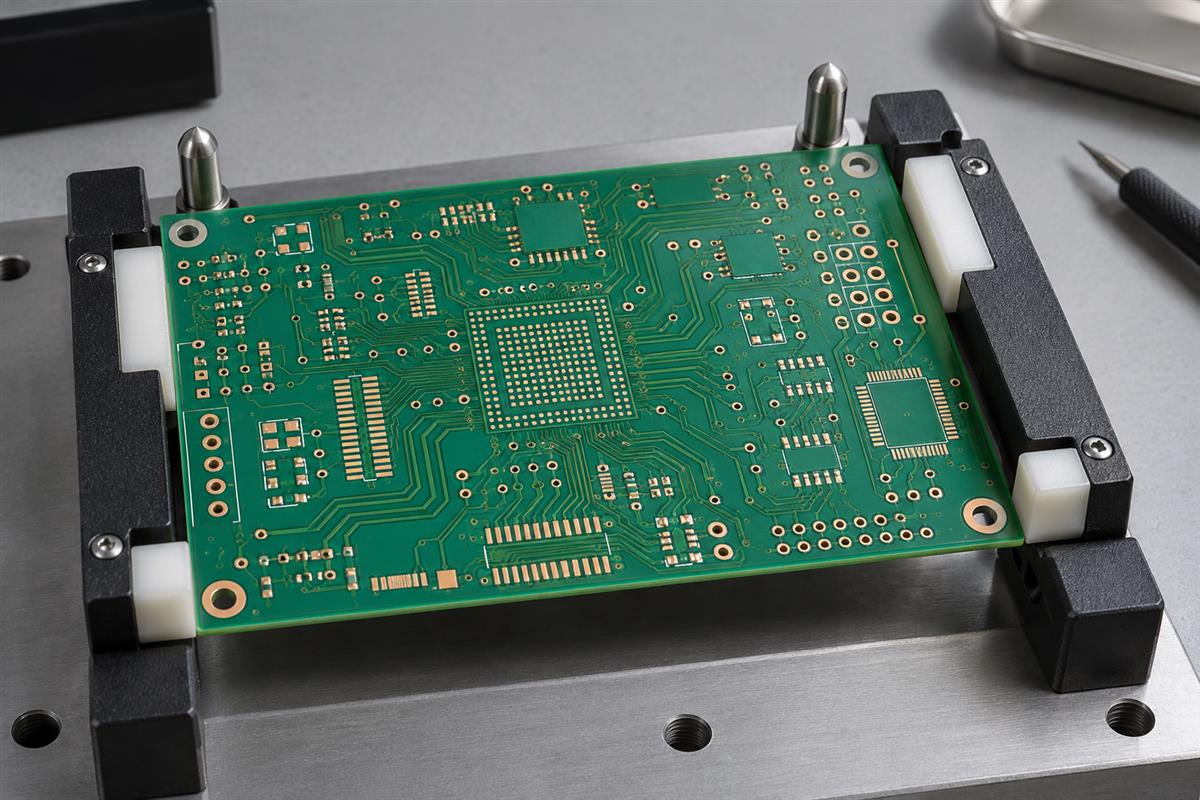
Release an inspection recipe with defined limits
A production trial needs a controlled inspection recipe, representative validation results and a fallback for uncertain images. Software that marks a few example photographs correctly has not yet demonstrated those controls.
| Release record | Minimum useful content | Decision it supports |
|---|---|---|
| Product and setup | Board revision, side, stage, camera, lens, lighting and calibrated scale | Whether this board is covered by this recipe |
| Reference and algorithm | Approved reference, software version, masks, thresholds and filters | Whether a result can be reproduced |
| Validation evidence | Reviewed labels, independent test population, recall by type, false calls and invalid images | Whether the remaining risk is acceptable |
| Disposition and change control | Reviewer, escalation path, additional tests and revalidation triggers | Who decides when an uncertain board can proceed |
Agree acceptance targets with engineering and quality before evaluating the final set. Revalidate when a change in optics, illumination, finish, geometry or software could alter detection. If a feature cannot be observed, list it as outside coverage and assign another method. For assembled boards, a separate PCB assembly inspection and test plan is needed; bare-board image masks do not establish solder-joint or functional quality.
For a manufacturing discussion, prepare the board revision, intended inspection stage, smallest defect of concern, sample images, acceptance requirements and required electrical tests. Contact PCBtry with these files and questions to discuss the applicable inspection scope. Confirm the actual method and coverage for the job rather than assuming this tutorial describes an available custom vision service.
Frequently asked questions
Can I use a normal camera for PCB defect detection?
For a learning experiment, yes, provided features are visible and capture conditions are controlled. Production suitability requires physical resolution, repeatability and validation at the required defect sizes; megapixel count alone is insufficient.
Is image subtraction enough?
No. Without alignment and stable appearance it identifies setup differences. Even a clean difference mask needs defect criteria, review and independent validation.
Do I need deep learning?
Not necessarily. Reference comparison is a reasonable starting experiment for stable geometry. A learned model may help with appearance variation, but adds representative labeling, split design and generalization checks. Compare methods on the same held-out population and operational burden.
Can optical inspection replace electrical testing?
No. Visible geometry does not prove every net is electrically connected or isolated. Define electrical coverage separately, especially for hidden connections.
Why does a good board trigger many alarms?
Check reference revision, alignment, focus, lighting and contamination before adjusting detection thresholds. Retest known defects after any adjustment so fewer alarms do not conceal more misses.
Should tiny regions always be removed as noise?
No. A tiny region may represent a critical bridge or break. Establish what the region means in physical units and verify filtering against the smallest relevant defects.
Is 99% accuracy enough for deployment?
The percentage is uninterpretable without its denominator and test population. A mostly defect-free dataset can produce a high accuracy while missing important defects. Request defect-specific recall, false calls per board and invalid-image handling.
What should I save when a detection fails?
Keep the original image, reference ID, board revision, setup and software versions, alignment result, masks, candidate regions and reviewed outcome. That evidence allows the failure to be reproduced instead of guessed at.


0 Comments