




What must PCB design data management keep together?
PCB design data management keeps the editable design, its library dependencies, approved manufacturing files and change decisions connected to the same identifiable release. Its practical test is simple: can another engineer recover the intended design, and can the manufacturer identify exactly which files to build?
A folder called “final” does not answer either question. It may contain yesterday’s drill files, today’s copper artwork and a BOM exported before a component substitution. Each file can look reasonable on its own while the set describes no single approved product.
Start with four connected groups. The suggested responsibilities below can belong to one person in a small team, but the distinctions still matter.
| Data group | Keep or identify | Question it must answer |
|---|---|---|
| Editable source | Project, schematic sheets, board layout, constraints and relevant configuration | What design produced this build? |
| Dependencies | Custom symbols, footprints, required models, library revisions and tool version | Can someone else open and work on the intended design? |
| Manufacturing outputs | Fabrication data, drill data, drawings and, for assembly, the applicable BOM and placement data | What files did the supplier receive? |
| Decisions and identity | Release identifier, variant, approval, changes and supplier acknowledgment | Who authorized this exact package, and what did it replace? |
The source is the editable recipe; the released output is the instruction set sent for a particular build. Retain both. Having Gerbers does not mean you have a maintainable schematic and layout project. Conversely, a working CAD project is not proof that the exported files sent last week match it.
For outsourced PCB design work, agree on native-file delivery, library handover and software compatibility before the handoff. Do not discover at the next revision that the only delivered item was a PDF.
Build a reproducible project, not just a folder of drawings
A reproducible project can be reopened in a documented environment, with its required dependencies resolved, and used to generate outputs that agree with the approved design. Test that ability outside the original designer’s working folder.
1. Identify the source and its dependencies
List the CAD application and version, the main project file, all referenced sheets and the board file. Identify custom libraries, linked models, output settings and any scripts that are actually required. Record approved library revisions or retain permitted project-local copies. Respect third-party library licensing when sharing files.
For a concrete, version-specific example, the KiCad 9 manual identifies .kicad_pro, .kicad_sch and .kicad_pcb files. It also documents ${KIPRJMOD} as the current project directory: a reference such as ${KIPRJMOD}/connect.pretty points inside that project rather than to one user’s desktop. A path reference is not the library itself; the referenced files must also be available.
2. Open a separate test copy
Use a clean working directory or another suitably configured computer. Open the project through its intended project entry point. Do not fix warnings by silently pointing to whichever newer library happens to be installed. Record a missing dependency and recover the intended version first.
Distinguish three checks: the board can be displayed; its original library items can be located; and the design can be edited and regenerated correctly. Passing the first does not prove the other two. Likewise, a hidden display layer is not proof that geometry has been deleted.
3. Regenerate into a separate comparison folder
Use the recorded export settings. Compare the regenerated layer set, outline, drills, reference designators, population choices and other manufacturing-critical content with the approved outputs. A file comparison may show changed timestamps or formatting even when engineering content agrees; investigate differences rather than assuming every byte difference is a design change.
Pass the test only when required data resolves, the selected configuration is known, and unexplained manufacturing differences are closed. Keep the test result with the release. Do not overwrite the original approved package while testing reproducibility.
Keep revisions, variants and library updates separate
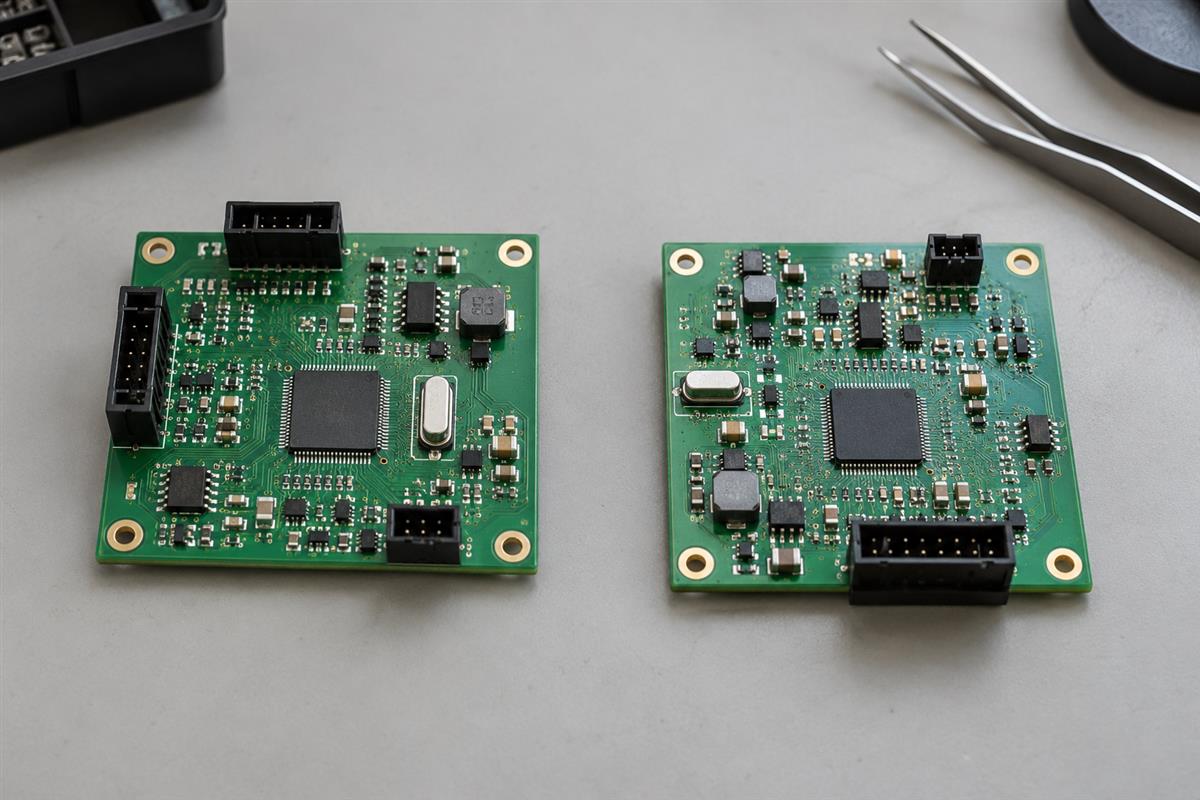
A revision identifies a controlled design change. A variant identifies a defined configuration, such as a different populated component set. A saved edit or version-control commit records development history; it is not automatically permission to manufacture.
| Identity | Illustrative meaning | Common mistake to avoid |
|---|---|---|
| Board revision | Rev B moves a connector relative to Rev A | Sending Rev B placement data with Rev A fabrication files |
| Assembly variant | Standard and Sensor options use one board but different fitted parts | Assuming one BOM describes both populations |
| Development commit | A recorded edit adds an unreviewed test point | Calling the newest saved state the approved release |
| Release identifier | A named, approved package binds source, revision and variant | Replacing files inside an already issued package without a new identity |
These are suggested distinctions, not a universal numbering standard. Define your own mapping explicitly. For example, hypothetical release CTRL-017 can identify bare-board Rev B and Standard assembly configuration. A later Sensor configuration needs its own unambiguous release identity even if the bare-board copper is unchanged.
Library corrections deserve the same discipline. If a connector footprint changes pad geometry, do not assume every existing board should immediately inherit the edit. Identify affected projects, compare old and new geometry, decide which designs require the change, and repeat affected checks before releasing them. Preserve the dependency reference for historical builds.
Version control helps record changes, but a successful text merge is not evidence that a schematic or layout remains electrically correct. Resolve competing CAD edits with the tool’s inspection and validation workflow. Separately maintain recoverable backups with appropriate access controls; a single local repository is not an independent recovery copy.
Altium 365’s Project History documentation illustrates why this distinction matters: its timeline can include commits, releases and other project events. The available history depends on how the project is managed. Regardless of software, require a deliberate release decision rather than equating activity with approval.
Release one traceable package to manufacturing
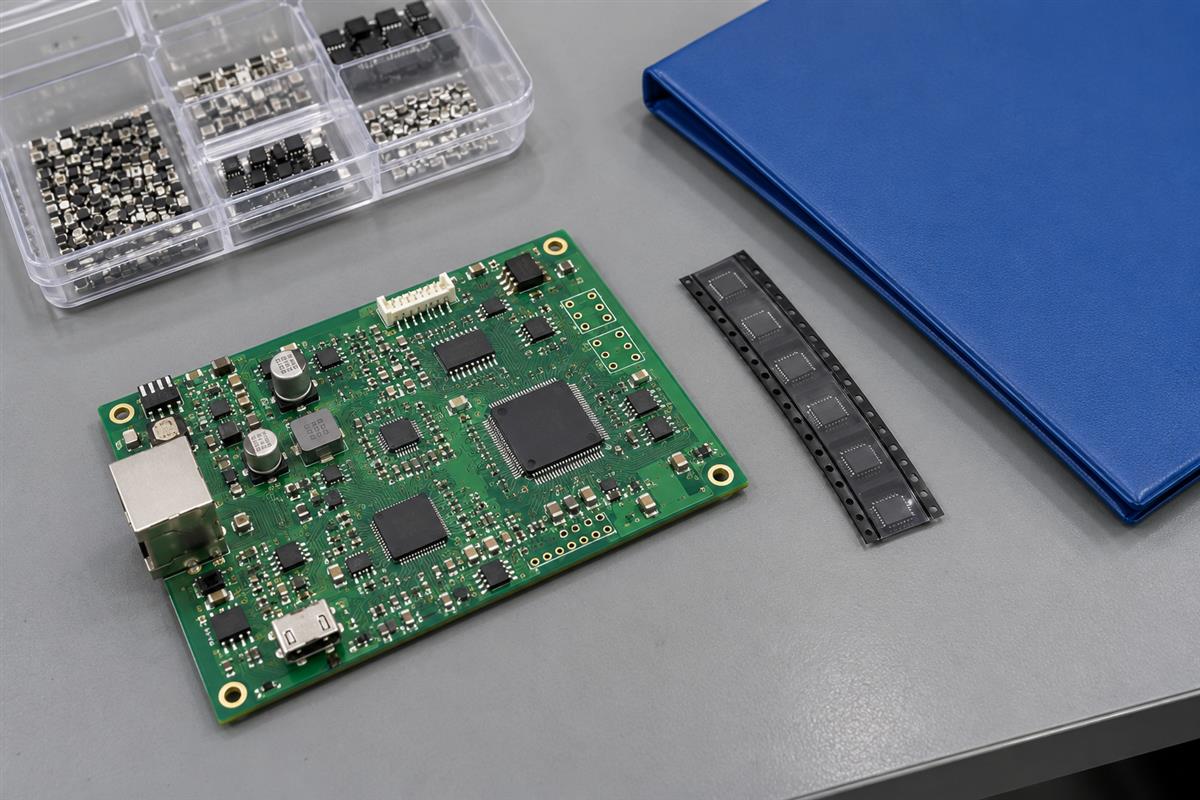
Issue a frozen package with a release manifest, then obtain acknowledgment of that package’s identity. Do not ask a supplier to assemble the intended version from several messages labeled “latest.”
Altium’s design release documentation describes archiving design source with generated outputs and separating fabrication and assembly data. The workflow below is a tool-independent recommendation; it does not require a particular cloud platform.
- Choose the approved source state and configuration. Record the revision and variant before exporting.
- Generate the applicable outputs together into a new release directory. Include the actual export configuration in the internal archive.
- Check that fabrication drawings, drill files and artwork describe the same board. For assembly, reconcile BOM designators, fitted/not-fitted choices and placement data.
- Create a manifest identifying the package, file list, revision, variant, approval and change summary. File checksums can help detect later byte changes, but cannot prove the design is correct.
- Send the supplier-facing package through the agreed channel. Request written acknowledgment of its identity and any unresolved manufacturing questions.
Here is a hypothetical manifest format you can adapt. The identifiers are examples, not PCBtry job records.
Product: CTRL
Release: CTRL-017
Bare board: Rev B
Assembly configuration: Standard
Source baseline: recorded repository commit or controlled archive ID
CAD environment: application, exact version, dependency references
Outputs: named fabrication, drill, drawing, BOM and placement files
Approval: responsible person and date
Supersedes: CTRL-016; connector location changed
Supplier response required: confirm CTRL-017 before production
Keep internal source archives separate from the supplier package when the supplier does not need editable intellectual property. Do include the information necessary for the agreed PCB assembly scope. Access restriction should not remove essential manufacturing instructions.
If production has already started when a change arrives, first ask the supplier to report the affected work status and agree on a hold, disposition or revised authorization. A new attachment does not automatically cancel work already in progress. Preserve the previous issued package and record exactly which orders the replacement applies to.
Recover from mismatched or missing design data
Start with the last identifiable release and observable evidence. Do not repair an uncertain project by mixing files until warnings disappear; that can create a third, undocumented version.
| Symptom | Check first | Controlled next action |
|---|---|---|
| A footprint seems absent after moving computers | Object/layer visibility, then library reference, registration and actual file availability | Distinguish hidden objects from unresolved dependencies before changing geometry |
| A library item changed since the last build | The release’s recorded dependency and board geometry | Recover the historical item or approve an explicit update; do not silently substitute |
| BOM and placement references disagree | Source baseline, variant, export settings and not-fitted handling | Resolve the configuration and regenerate the affected package together |
| The supplier has two packages with the same name | Actual file contents and supplier work status | Identify the authorized set in writing and issue a distinct replacement if required |
| An old project opens differently after a software upgrade | Recorded tool version and an untouched release archive | Investigate on a copy; compare outputs before adopting the migrated project |
A KiCad community migration discussion is a useful caution: the user initially described missing footprints, but the discussion reached object visibility settings. That report does not establish a universal fix. It shows why “I cannot see it” and “the data is missing” need different evidence.
For a repeat build, send the previous order reference and the intended new release identity, not simply “same as before.” Before ordering, contact PCBtry with the manufacturing package and change summary, required quantity, bare-board revision, assembly variant if applicable, and any unresolved file questions. Ask the receiving team to confirm the package identity and scope; your design owner still authorizes the product configuration.
Questions about PCB design data management
Is cloud storage enough?
It can be part of the system, but storage alone does not define approvals, dependencies or which package was sent. Add controlled release identities, access permissions and a tested recovery method.
Do Gerbers replace the native CAD project?
No. Manufacturing artwork does not preserve the full editable design intent and dependency structure. Retain native source internally even when the manufacturer only needs exported fabrication data.
Must every saved edit get a new board revision?
Not necessarily. Development history and released revisions serve different purposes. Use a documented change policy; any reissued manufacturing instructions must have an unambiguous identity and approval.
Can two assembly variants share one bare-board revision?
Yes, when the physical bare board is unchanged and the variants are defined by compatible population or configuration choices. Identify the correct assembly data separately. A change to copper or drilled geometry is not merely a population option.
Should all library files be copied into every project?
Not automatically. A managed, versioned dependency system can also work. The requirement is reliable access to the intended dependency, including during recovery, while respecting licenses and access restrictions.
Does a matching checksum prove the board is correct?
No. It helps establish that a file’s bytes match a reference. If the reference contains the wrong design, the matching copy is still wrong. Engineering checks and release approval remain separate.
What if only the old manufacturing outputs survive?
Preserve and identify them, then determine what can be safely rebuilt or recovered. Do not label a reconstructed CAD project as the original source. A new engineering revision needs appropriate validation before use.
What is the minimum useful handoff record?
Record the product, release identity, board revision, assembly variant if used, supplied file list, change summary, approver and recipient acknowledgment. Add tool and dependency details to the internal archive so the next engineer can reproduce the design.


0 Comments