




PCB design is the work of turning an electrical circuit into a physical board that can be manufactured and assembled. The circuit defines what must connect and what the electronics should do. The board design decides where the parts fit, which copper paths connect them, and how that arrangement meets electrical and mechanical requirements.
A PCB, or printed circuit board, is the resulting interconnection structure. PCB design is not simply drawing a green rectangle or copying the appearance of another board. To understand the difference, follow one small circuit through its symbols, component packages and copper connections.
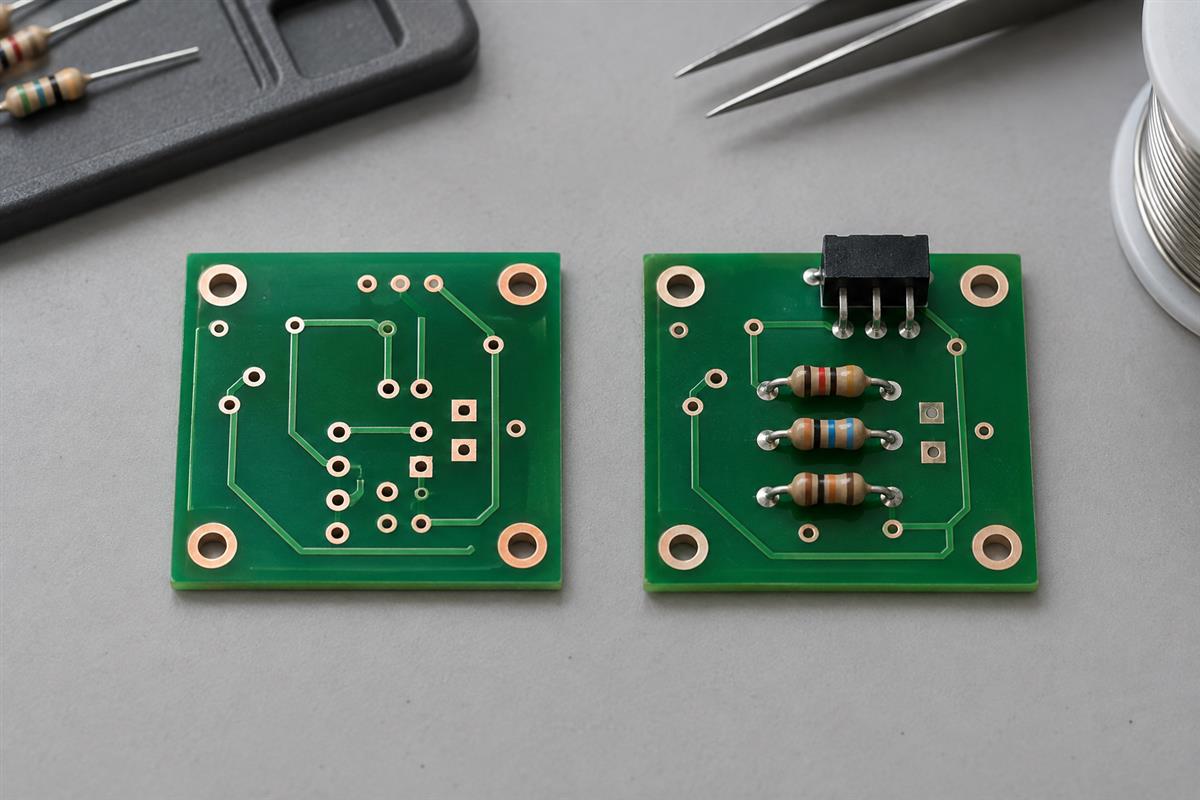
What Changes Between a Schematic, a Layout and a PCB?
The connection requirements should stay consistent; the representation changes. A schematic describes electrical relationships, a layout assigns physical geometry, and the manufactured board realizes that geometry in materials.
| What you are looking at | What it tells you | What it does not establish by itself |
|---|---|---|
| Circuit schematic | Component identities, pin numbers and intended connections | The actual spacing between parts or whether a connector fits |
| PCB layout | Board shape, component footprints, pads and routed copper | Whether the selected circuit meets every operating requirement |
| Fabrication outputs | The released layer images, holes and manufacturing instructions | Which components to buy unless separate assembly information is supplied |
| Bare PCB and assembled board | The fabricated interconnect, then the components attached to it | Functional performance until suitable testing is completed |
A symbol represents a component in the schematic. A footprint describes its mounting pattern on the PCB. A pad is a connection area for a component termination. A net is the set of pins intended to be connected. A trace is a physical copper path implementing part of that connection.
These distinctions are reflected in the KiCad getting-started documentation. The practical lesson is to ask two different questions: “Are the right pins connected?” and “Is the physical implementation suitable?” A yes to the first does not automatically answer the second.
For example, a connector drawn on the left side of a schematic may belong on the right edge of the enclosure. Moving its footprint is reasonable. Changing its pin connections accidentally is not. Board design preserves electrical intent while resolving real dimensions.
Follow One Circuit From Resistor Values to Copper Nets
A two-resistor voltage divider makes the relationship concrete. It contains few enough parts that you can check every connection without learning an entire microcontroller first.
Consider a teaching circuit with a 3 V DC input. R1 is 10 kΩ from the input to a node called MID. R2 is 10 kΩ from MID to GND, the input return. The output is measured between MID and GND. This is a low-energy learning example, not a mains circuit or a recommended power supply.
First predict what the circuit should do
For ideal resistors and an unloaded output, the same current flows through both resistors:
I = 3 V / (10,000 Ω + 10,000 Ω) = 0.00015 A = 150 μAV(MID) = I × 10,000 Ω = 1.5 V relative to GND
The general relation is Vout = Vin × R2 / (R1 + R2). The resistor closer to GND is R2 in this definition. Swapping the names without following their positions is an easy way to calculate the wrong result. TI provides a voltage-divider resistor selection tool; always check which resistor a calculator calls R1 or R2.
Now connect a 10 kΩ load from MID to GND. That load is in parallel with R2, giving 5 kΩ. The new ideal output becomes 3 V × 5 kΩ / (10 kΩ + 5 kΩ) = 1 V. The circuit has not developed a bad copper connection. Its load has changed its behavior. This is why a resistor divider cannot be treated as a regulated power supply.
Actual readings also depend on supply accuracy, resistor tolerance and measuring-instrument input resistance. Here, 1.5 V is a nominal prediction under stated conditions, not an acceptance limit for every board.
Then describe the connections without relying on a drawing
Use a three-pin connector J1 for input, midpoint and return. In this example, assign J1 pin 1 to VIN, pin 2 to MID and pin 3 to GND. Define the resistor pad numbering as below. These assignments belong to this example; they are not universal connector or resistor conventions.
| Net | Pins that must belong together | Question to ask in the layout |
|---|---|---|
| VIN | J1.1 and R1.1 | Does the input copper reach the intended end of R1? |
| MID | R1.2, R2.1 and J1.2 | Do all three pads join without touching VIN or GND directly? |
| GND | R2.2 and J1.3 | Is there a continuous return connection to the supply? |
That table is the electrical target. The copper may bend, the resistors may rotate, and a trace may change layers. None of those changes should alter the membership of a net. A via, when needed, provides a conductive connection between copper layers; a line that only looks as though it crosses another line is not enough to establish a connection.
On an assembled prototype, measure MID relative to J1.3, not an arbitrary metal surface. Before applying power, verify wiring and absence of unintended shorts. Use an appropriate current-limited low-voltage source and meter. Never use resistance or continuity mode on a powered circuit.
Make the Physical Board Match the Intended Circuit
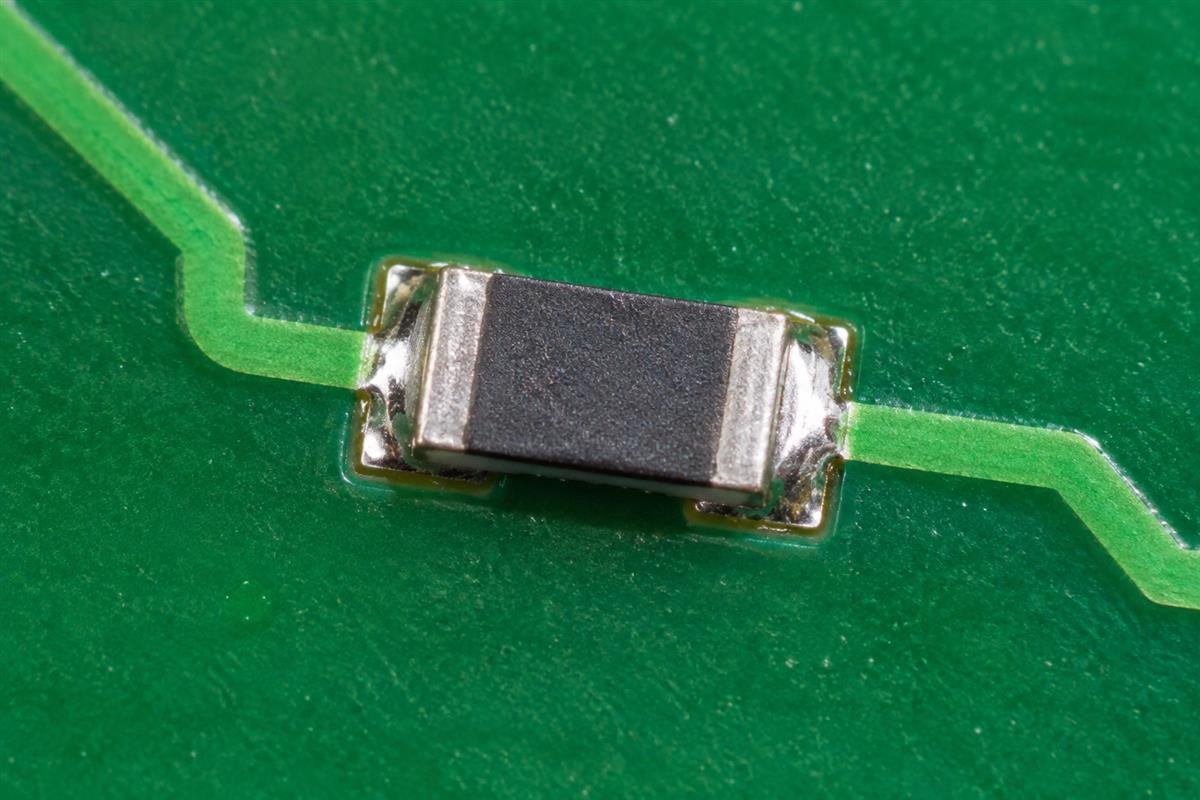
The next job is to make the selected parts fit and preserve those three nets. A correct calculation cannot compensate for an incorrect footprint or a mirrored connector.
- Choose exact parts before finalizing footprints. Two 10 kΩ resistors can have very different body sizes and mounting requirements. Match the ordered package to the land pattern, not just the resistance value. Check lead spacing and hole sizes for through-hole parts or pad dimensions for surface-mount parts.
- Verify the pin-to-pad map. Compare the schematic symbol’s pin numbers with the footprint and the manufacturer’s drawing. For J1, look from the specified mating or board side. A connector can be electrically consistent in CAD yet connect the cable in reverse if its physical view was misunderstood.
- Set the board outline and usable space. Leave room for the connector body, cable insertion, mounting hardware and probe access. A mounting hole is not automatically an electrical via. Its plating and connection requirements must be specified deliberately.
- Place and route the circuit. Put the divider components where they can be assembled and inspected, then route VIN, MID and GND. Use the CAD net-highlight feature to compare each net with the table. Choose trace and spacing rules for the actual electrical requirements and fabricator, not a universal number copied from a tutorial.
- Review both sides and every used copper layer. An unrouted connection marker is a reminder of a required connection, not manufactured copper. If using a filled copper area, verify its net assignment and update the fill before checking the board.
Our PCB design process guide expands this into a production-release workflow. Here the learning objective is smaller: point to each connector pin and explain which resistor pad it reaches, why it reaches it, and how the actual part fits there.
Understand What ERC and DRC Can Actually Prove
Electrical rule checking (ERC) checks configured schematic rules. Design rule checking (DRC) checks configured board rules and, where supported, schematic-to-layout consistency. Neither is a universal “this product works” test.
KiCad documents checks such as clearance violations, unintended shorts and unconnected tracks. The rules must reflect the design and manufacturing requirements. Passing an unsuitable rule set is weak evidence.
| Possible problem | Useful check | Why another check is still needed |
|---|---|---|
| MID accidentally touches GND copper | DRC and net review | They depend on correct net assignments and an up-to-date layout |
| J1 footprint represents the wrong connector pitch | Exact package drawing and footprint comparison | Electrical connectivity can be correct while the part cannot fit |
| MID falls from 1.5 V to 1 V under the example load | Load calculation and measurement | The copper may fully comply with every geometry rule |
| The assembled board contains the wrong resistor value | BOM, assembly verification and appropriate measurement | Board layout checks do not inspect installed components |
A useful self-test is to explain one error the tool should catch and one it cannot establish by itself. For this divider, a routed short is different from selecting values that cannot drive the intended load. Do not fix a functional problem by merely clearing warning messages.
Keep unresolved warnings visible until their cause is understood. An intentional exception needs a reason tied to the actual circuit or manufacturing requirement, not “the board looked fine.”
Check What You Can Hand to a PCB Manufacturer
A factory needs an unambiguous manufacturing package, not simply a screenshot of a layout. What you should send depends on how far the design has progressed and whether you want bare boards or assembled electronics.
- Only an idea: describe the intended function, supply, interfaces, size and operating environment. This is a design inquiry, not a finished fabrication order.
- A schematic and selected parts: provide the editable source or readable schematic, exact part numbers and mechanical requirements. Explain which layout work or review is still required.
- A released layout: provide the accepted fabrication files, drill data, outline and required board construction. Inspect exported files rather than assuming that the native CAD view proves the export is complete.
- An assembly order: add a bill of materials, assembly and placement information as required, polarity details and an agreed test requirement. For the divider, define the source, load and acceptable output range rather than writing only “test voltage.”
Before sending the example board, answer these questions: Are J1 pin numbers clear from the correct viewing side? Do R1 and R2 match the intended packages and values? Does the released copper implement all three nets? Are the output measurement conditions stated? Can another person identify the file revision without asking you?
If your difficulty is following the schematic rather than designing the physical board, start with our circuit schematic reading guide. For PCBtry to discuss your build, send your current files, board dimensions, quantity and whether you need bare PCB fabrication or assembly to sales@pcbtry.com. State any unfinished design decisions so the requested review has a clear scope.
Questions About Learning PCB Design
Is a PCB the same thing as PCB design?
No. The PCB is the physical interconnect structure. PCB design is the engineering work that defines it. In everyday speech, “PCB” sometimes includes the assembled electronics, so clarify whether a supplier is quoting a bare board or an assembly.
Is PCB layout the same as circuit design?
No. Circuit design establishes the components and electrical behavior. Layout implements the circuit physically. The two interact: package selection, connection length, return paths and heat can require circuit or layout changes.
Can I copy the component positions from the schematic?
Not reliably. Schematic placement usually helps a reader follow the circuit. Board placement must also satisfy enclosure dimensions, connector access, package size and electrical behavior. Preserve the connections, not the drawing’s visual arrangement.
Does rotating a resistor change the circuit?
An ordinary two-terminal resistor is not polarized, but moving or rotating its footprint must still preserve the intended nets. Do not extend that assumption to diodes, electrolytic capacitors, ICs or connectors with defined orientation.
Do all PCB holes connect electrical layers?
No. A via is an electrical layer connection. A component hole may also be plated and connected. A mechanical mounting hole may be non-plated. Hole purpose, plating and copper connections must be defined in the design.
Does a two-layer PCB require components on both sides?
No. Two-layer describes the number of copper layers, not the number of populated assembly sides. A board can use both copper layers while placing all components on one side.
Can a 3D preview prove that my board is correct?
No. It helps examine physical arrangement when the models are accurate. It does not prove electrical operation, correct component values or a complete manufacturing export. Missing or inaccurate models also limit what the preview can show.
What should my first PCB design demonstrate?
Choose a low-energy circuit whose expected behavior you can calculate and explain. You should be able to map every important schematic pin to a footprint pad, account for each connection and compare a defined measurement with your prediction. Complexity is not the learning goal.



0 Comments